Camera Views
Printsite Studio offers two distinct camera views to help you visualize and navigate your 3D printing projects effectively. Understanding and utilizing these views can enhance your workflow and provide better insights into your designs.
Perspective Camera
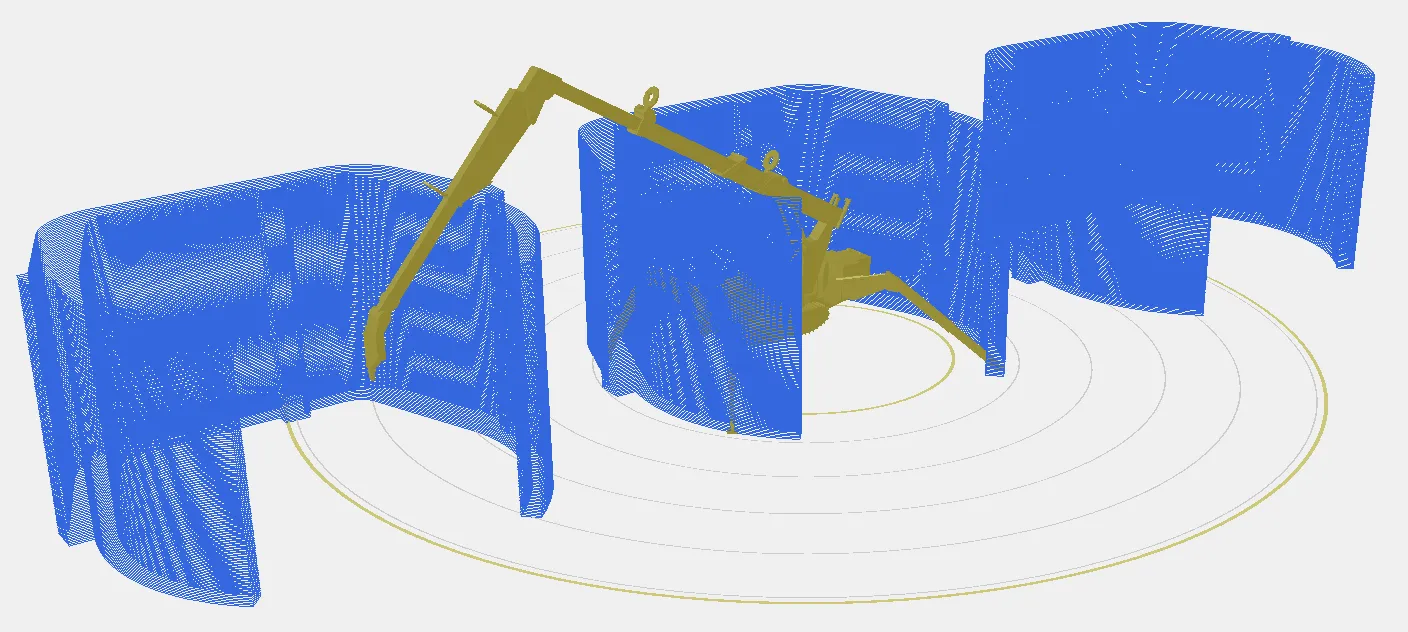
Section titled “Perspective Camera”The Perspective Camera provides a realistic view of your project using a perspective projection. This view mimics how the human eye perceives the world, with objects appearing smaller as they move further away from the viewer.
Bird’s-Eye View
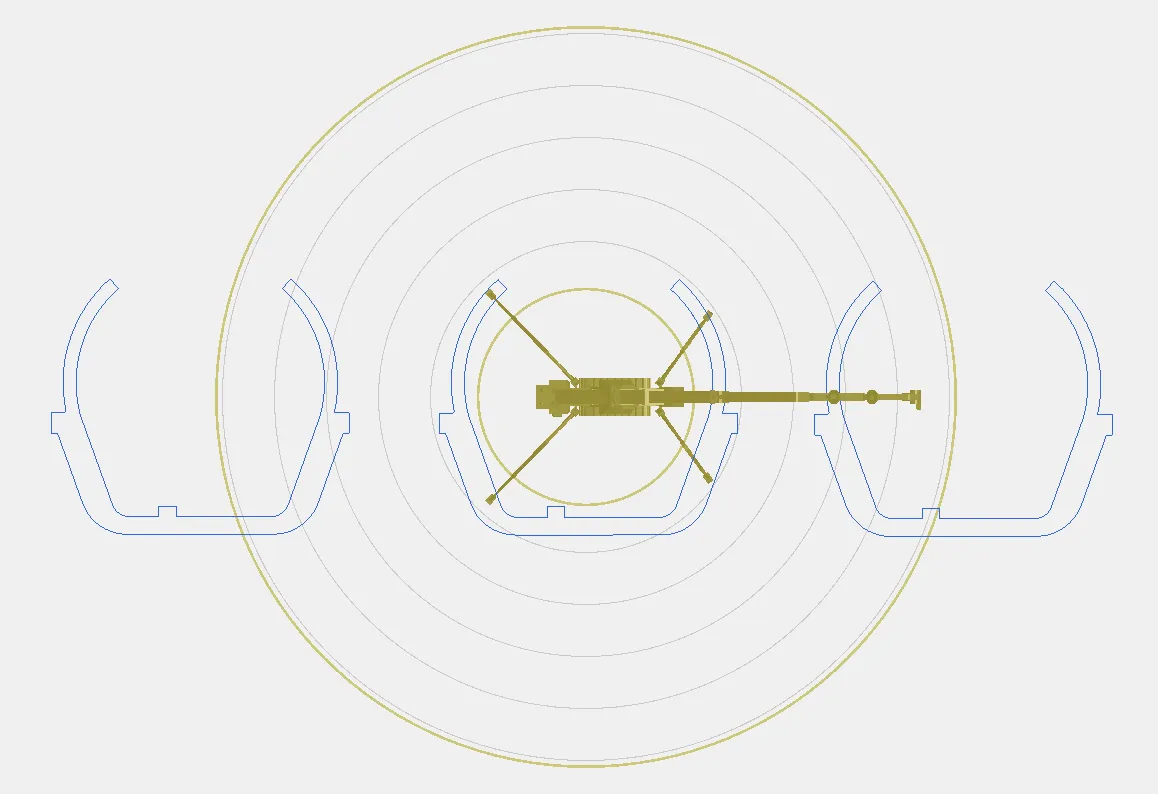
Section titled “Bird’s-Eye View”The Bird’s-Eye View offers an orthographic projection of your project, providing a top-down view without perspective distortion. This view is particularly useful for precise measurements and layout planning.
Switching Between Views
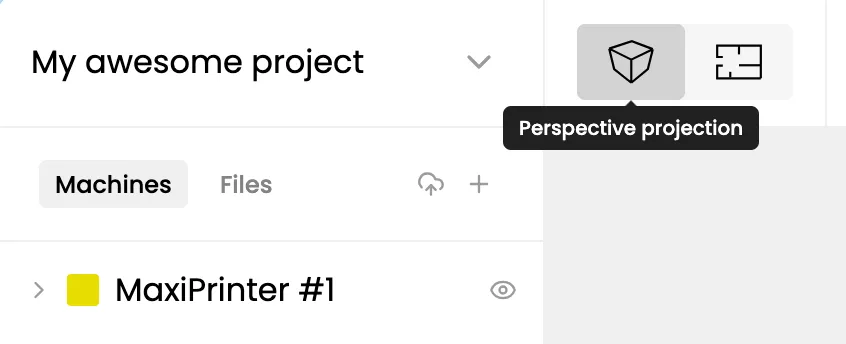
Section titled “Switching Between Views”Printsite Studio allows you to easily switch between the Perspective Camera and Bird’s-Eye View from the toolbar at the top of the screen.